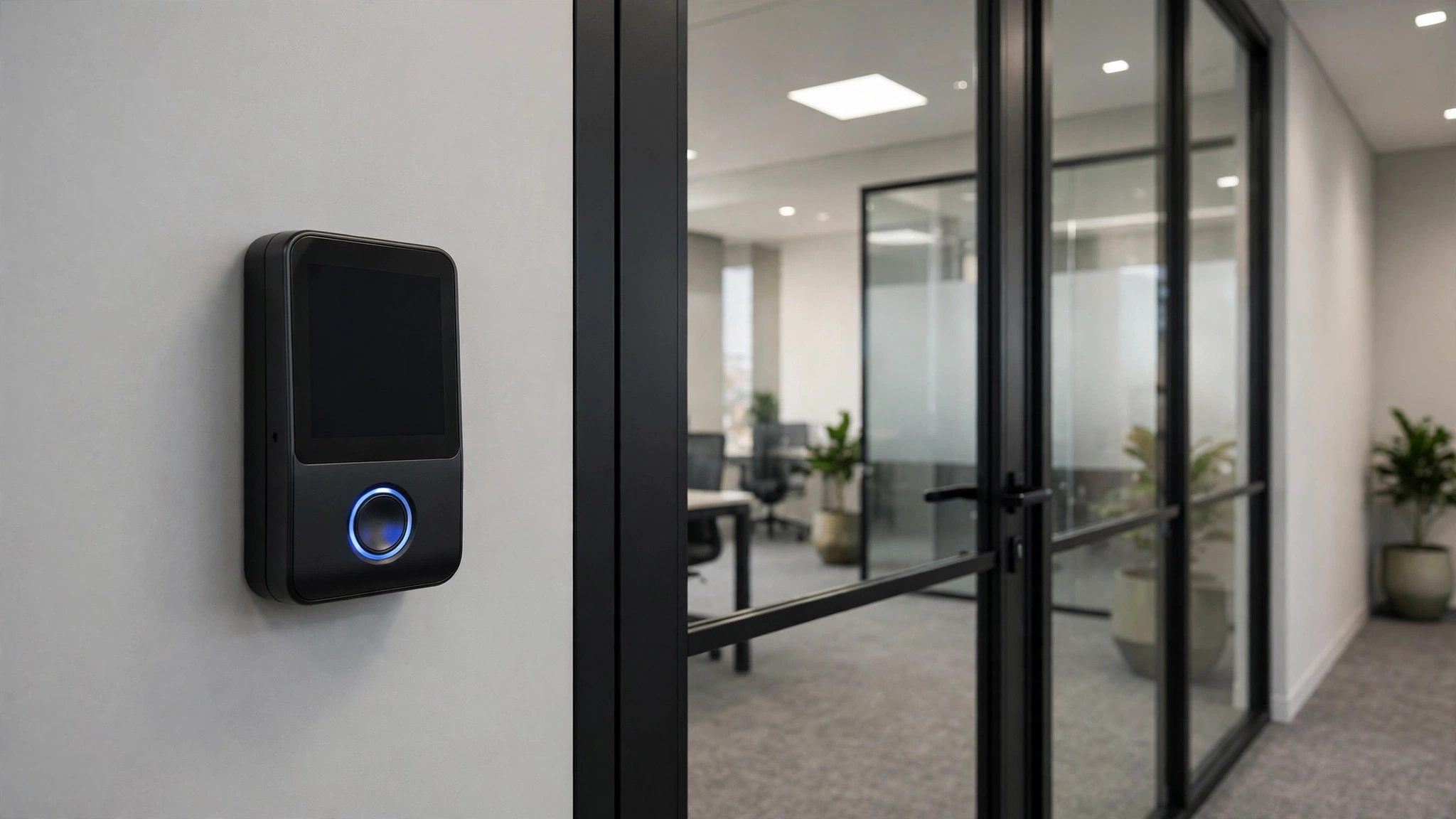
Keys get copied, cards get shared, PINs get watched over shoulders. Biometrics ties access to the person, not the token — which is why fingerprint and face-recognition systems are now standard in UAE offices. Here's how the two compare and which suits your doors.
How they work (briefly)
A fingerprint terminal scans the ridges of a finger; a face-recognition terminal maps facial geometry. Neither stores a photo of your finger or face — they store encrypted mathematical templates that can't be reverse-engineered into an image. That's worth knowing before the privacy questions start.
Fingerprint: the workhorse
- Pros: mature, accurate and cost-effective — single-door fingerprint systems are the most affordable biometric option. Fast for small teams, and users already understand it.
- Cons: it's contact-based, so hygiene-conscious workplaces sometimes object. Very dry, wet or worn fingerprints (manual labourers, kitchen staff) can struggle, and gloves are a non-starter.
- Best for: staff entrances, server rooms and back offices with stable teams.
Face recognition: the touchless option
- Pros: completely touchless and very fast — users walk up and the door opens. Modern terminals handle glasses, and many support mask-mode detection. Ideal for high-traffic entrances and visitor-heavy receptions.
- Cons: higher hardware cost per door, and performance depends on lighting and camera positioning at installation.
- Best for: main entrances, lobbies, warehouses with gloved workers, and anywhere hygiene matters.
Don't forget the fallback
Every biometric door should have a backup: a card, PIN or mechanical key override. Biometrics handle 99% of daily traffic; the fallback covers new joiners not yet enrolled, the rare failed read, and emergencies. Multi-modal terminals (face + fingerprint + card in one unit) give you all three without extra hardware.
Privacy and UAE data protection
Biometric data is sensitive personal data under the UAE's data protection law. In practice this means: store templates locally on the controller or your own server (not on random cloud accounts), limit who can enrol and export users, set a retention policy for leavers, and inform staff what's collected and why. A professional installer should configure all of this with you — not leave default admin passwords in place.
Attendance integration
The same terminals can double as attendance systems, pushing clock-in/out data to your HR or payroll software. If you want this, say so before the design is finalised — the software licensing and integration work differ from a pure access-control setup.
Questions to ask your installer
- What happens in a power cut — do doors fail safe (unlock) or fail secure (stay locked)?
- Is the system integrated with the fire alarm for emergency release?
- Can I manage users and time schedules myself after handover?
- What's the enrolment process for new staff, and how are leavers removed?
Visitor and multi-factor options
Biometrics handle your staff, but visitors need a path too: QR codes, temporary PINs or reception-issued cards keep guests moving without compromising security. For sensitive areas like server rooms, consider two-factor entry — card plus fingerprint, or face plus PIN. Modern controllers support per-door policies, so the server room can be strict while the pantry stays simple.
Enrolment takes under a minute per person on modern terminals — but plan it: a 200-person office needs a scheduled enrolment day, not a queue at the door.
Tell your team what's stored and why before enrolment day — transparency turns biometrics from a privacy worry into a convenience everyone appreciates.
We design and install biometric access control across Dubai and the UAE — including Hikvision MinMoe face-recognition terminals from our catalogue. Get a site survey and we'll recommend the right technology per door, not one-size-fits-all.